Jobs and uploads
Customers create file service jobs, upload original files and receive finished files in their customer area.
Ecu-Patch File Portal
A complete customer portal under your own domain: registration, file upload, credits, payments, invoices, messages, shop, PWA and update system. Auto-Patch is included by default, does not have to be used and can be disabled.
Customers create file service jobs, upload original files and receive finished files in their customer area.
Credit packages, custom credit amounts, Stripe, PayPal, invoices and payment status are prepared.
No AI tuning: your own WinOLS scripts can be stored and executed automatically for matching existing solutions. The function can be enabled or disabled.
Branding, prices, users, shop, FAQ, SMTP, SEO, updates and rollout are managed centrally.
Customers and admins can use the portal like an app. Push notifications are prepared.
New versions can be rolled out as packages. Branding, legal links and storage paths remain protected.
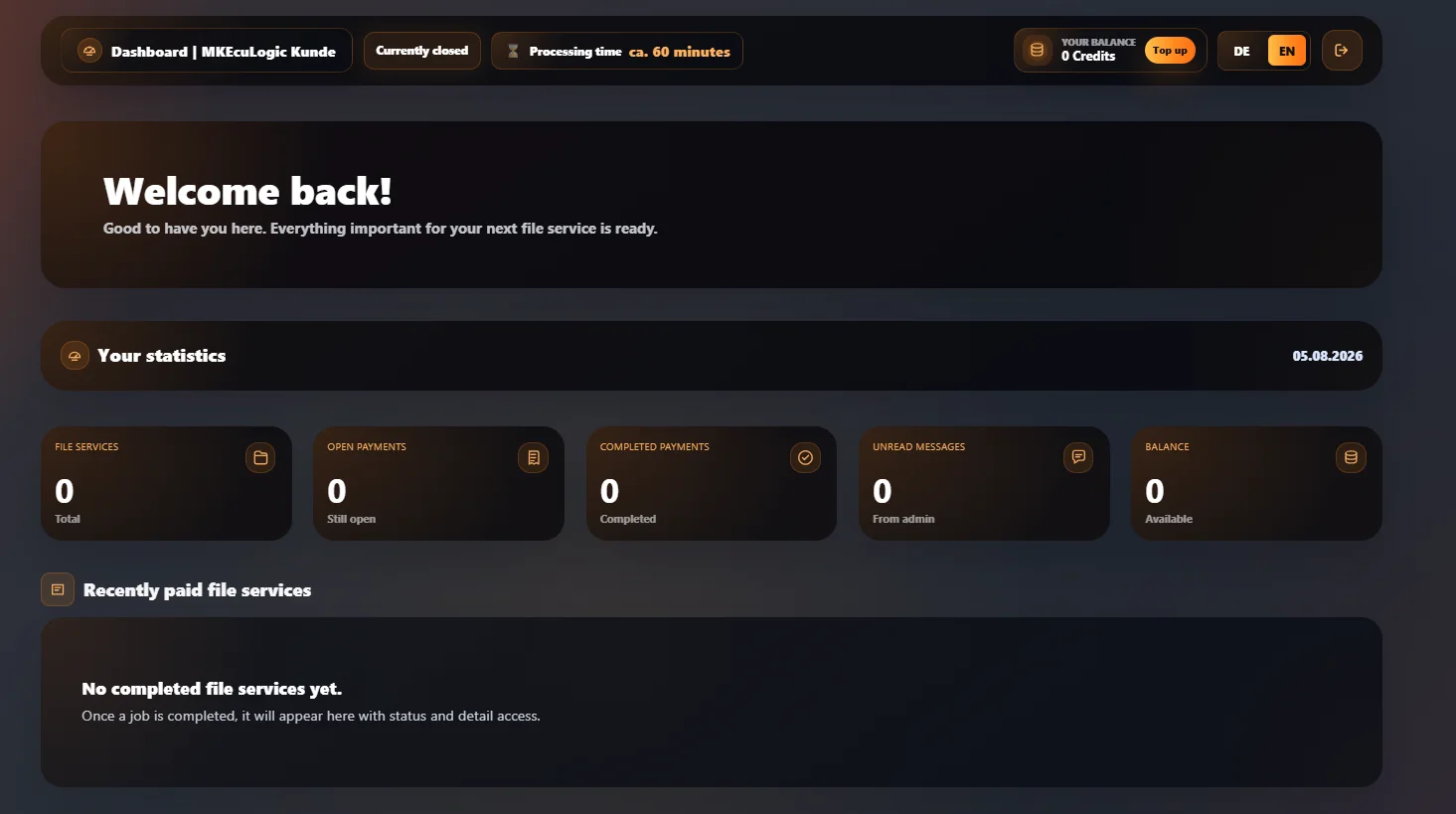
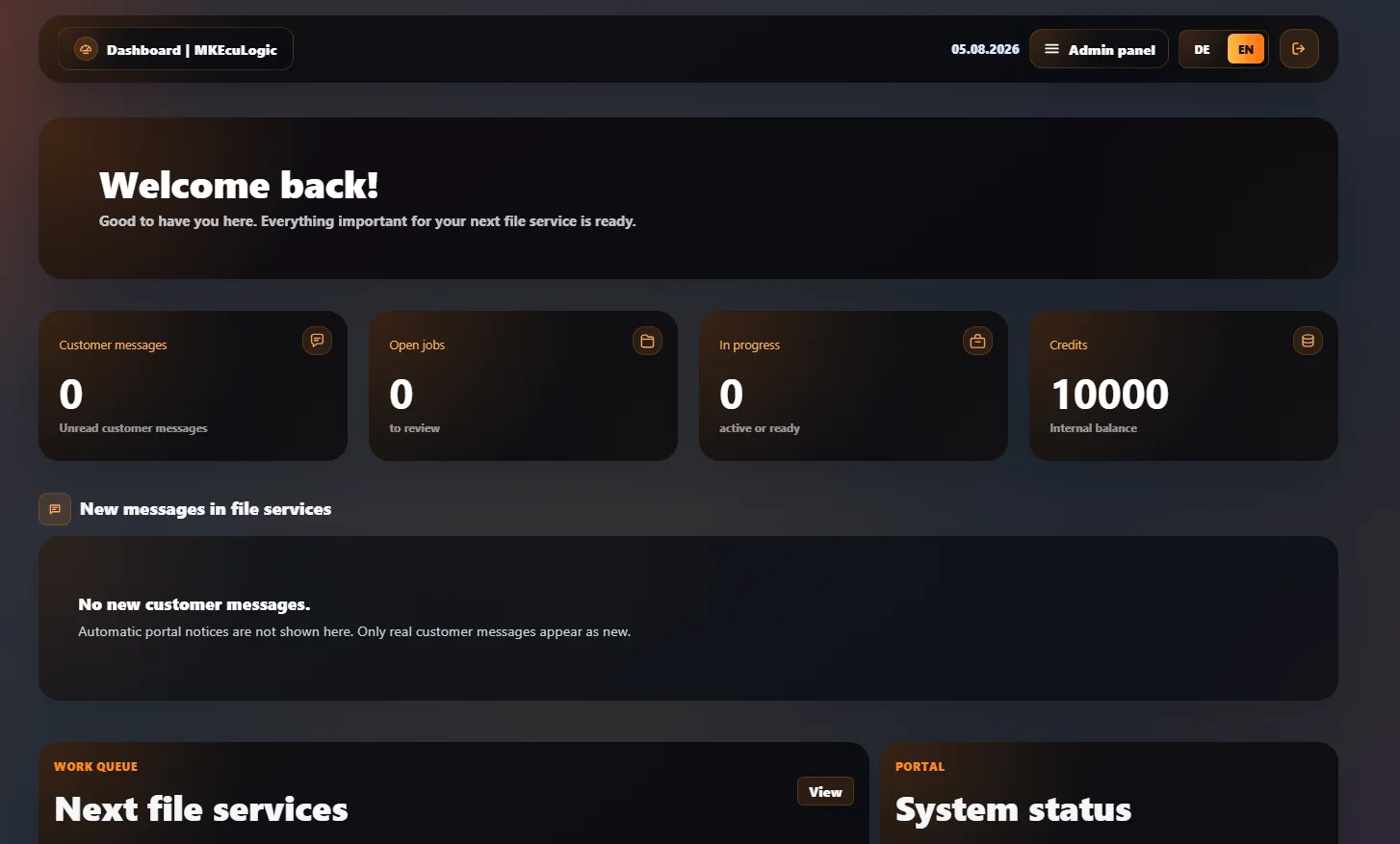
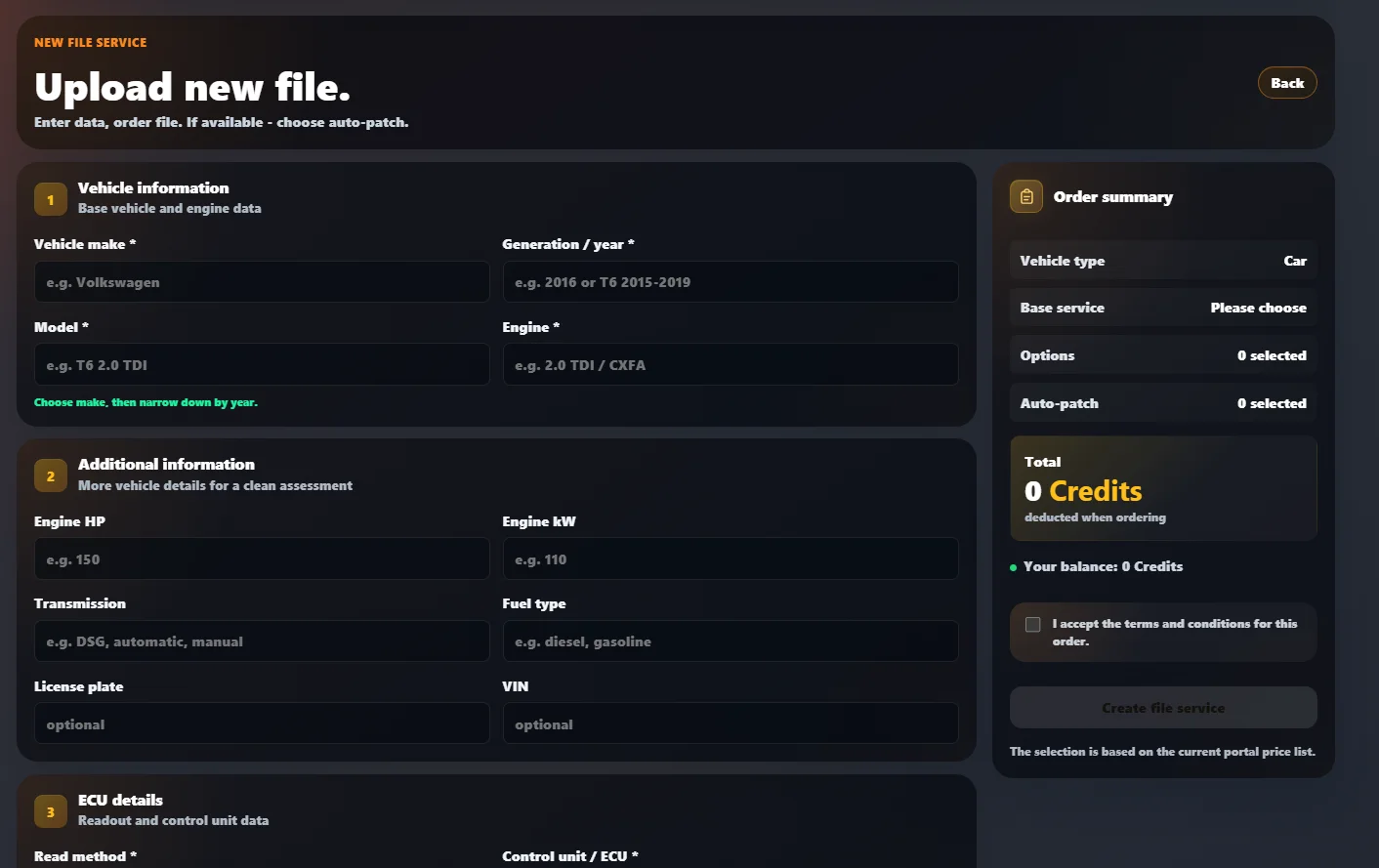
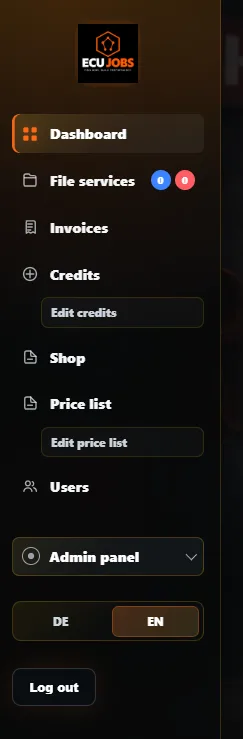
The screenshots show the current English portal interface with glass cards, compact status displays and admin workflows.
Customers see their balance, file services, payments, messages and completed jobs directly after login.
Admins see customer messages, open jobs, in-progress files, credits and system checks directly after login.
Vehicle information, service options, Auto-Patch selection and required confirmations are shown before the job is created.
The sidebar keeps daily workflows close: dashboard, file services, invoices, credits, shop, price list, users and admin panel.
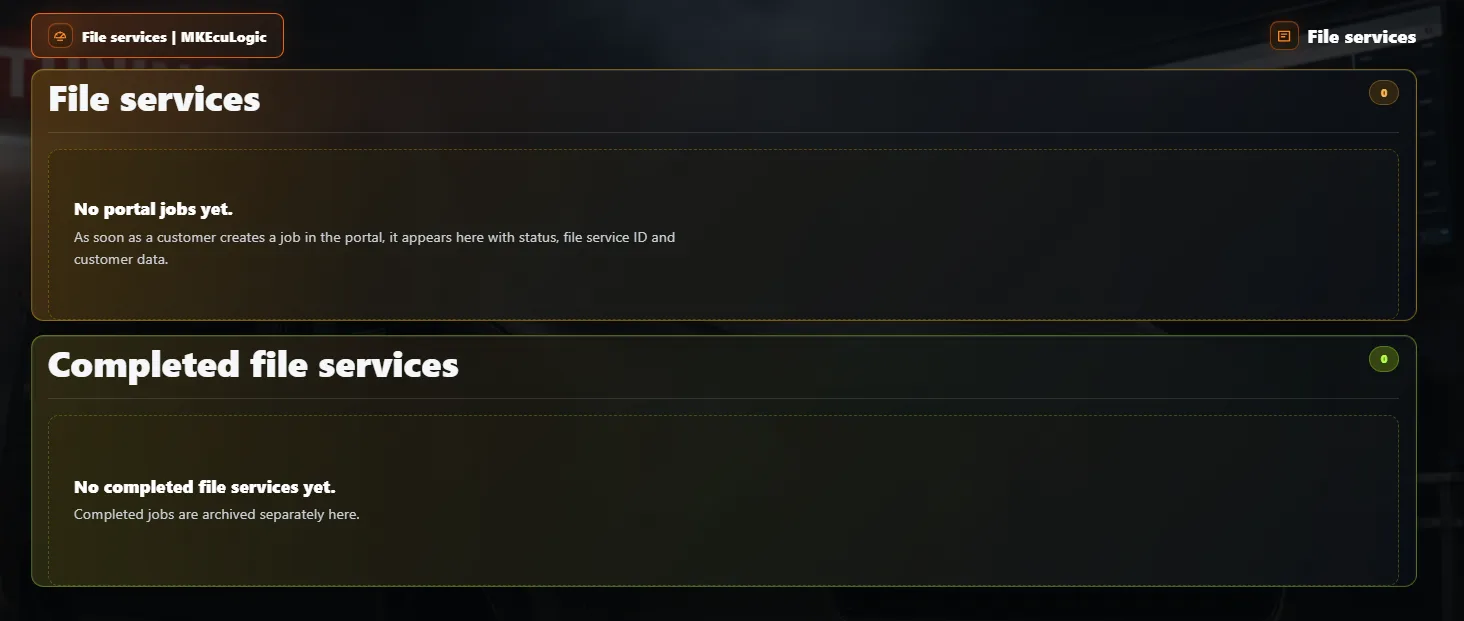
Jobs appear with status, file service ID and customer data. Completed jobs are archived separately for a clean workflow.
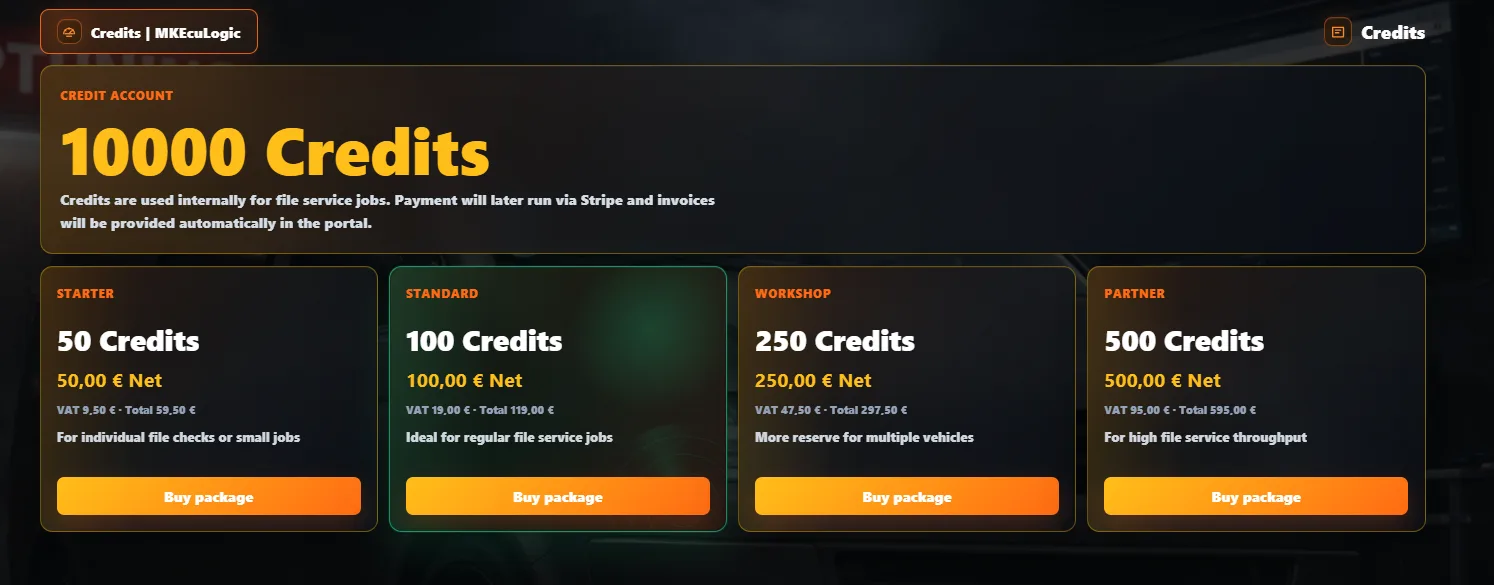
Customers can buy defined credit packages or custom credit amounts, depending on your payment setup.
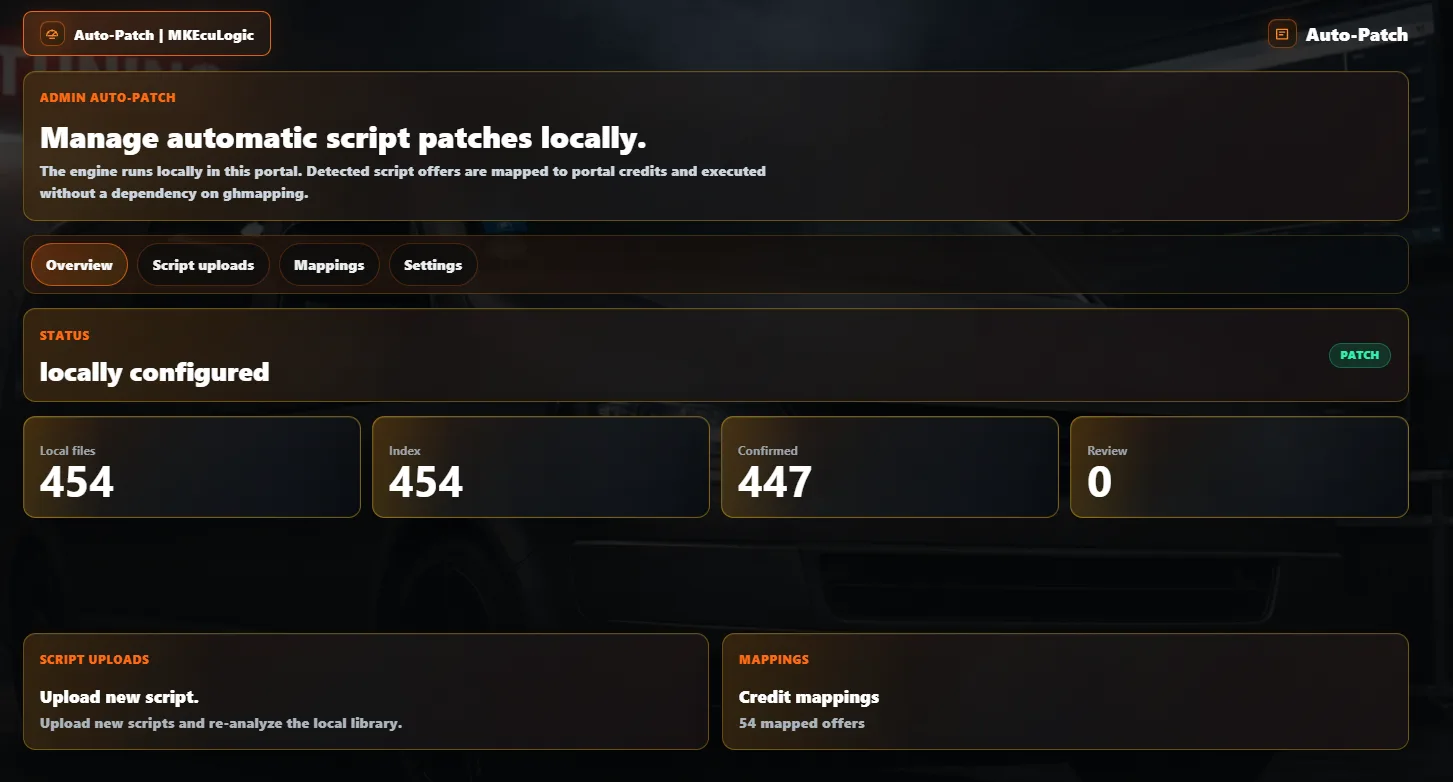
Auto-Patch is not AI tuning. You store your own WinOLS scripts. If a customer selects a matching solution and uploads a compatible file, the portal can apply the existing patch automatically.
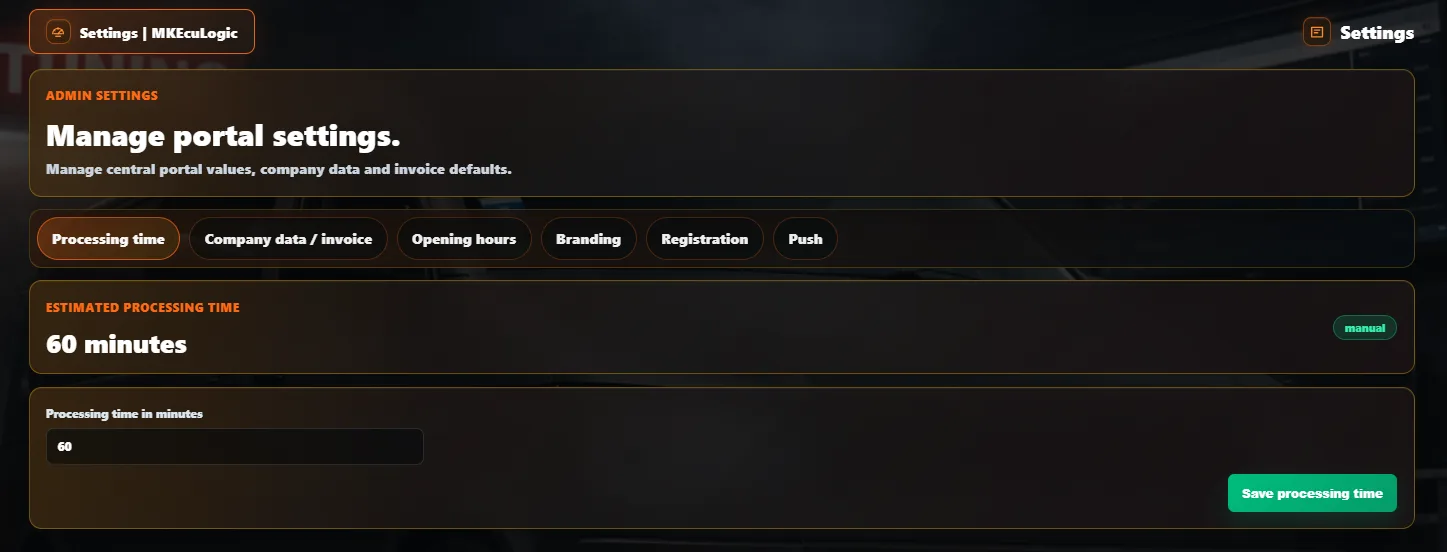
Processing time, company data, opening hours, branding, registration and push settings are managed inside the portal.
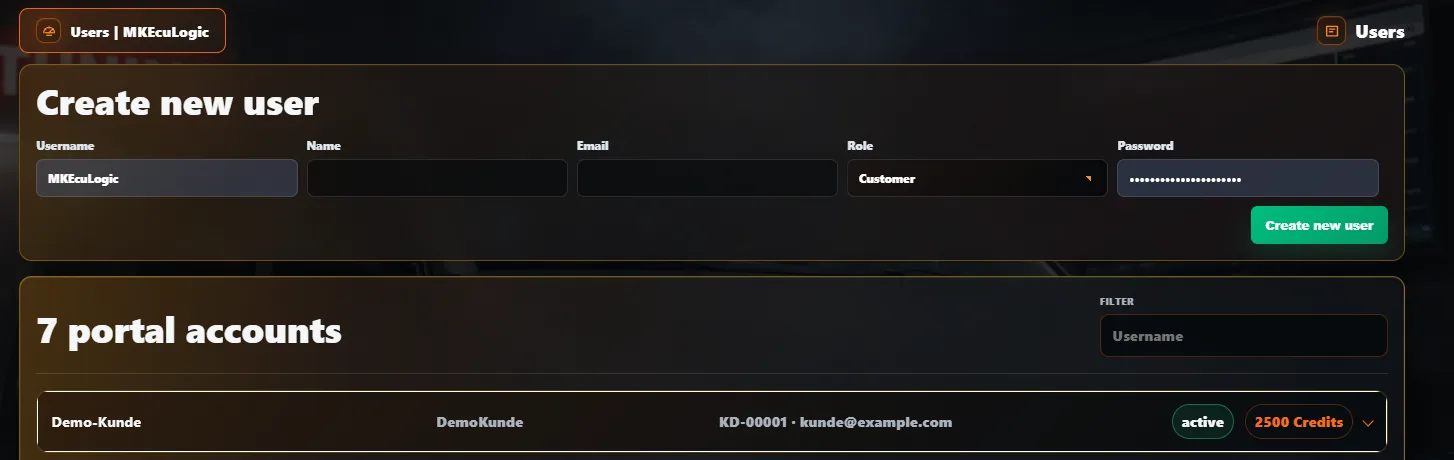
Admins can create customer accounts, assign roles, filter users and keep credit balances visible.
A portal for ongoing operation, with one-time setup and monthly rent.
Monthly portal rent
85 Euro / monthOne-time setup
199 EuroThe system is prepared to be installed quickly for additional businesses.
Customer domain, storage path and database are configured.
Logo, background, colors, company data and SEO are configured in the admin area.
Stripe, PayPal and SMTP are activated with the operator's own credentials.
Improvements can later be installed through update packages.
Short answers about rental, setup and ongoing updates.
Yes. The white-label portal is set up under the domain of the respective business.
Yes. The update system updates portal code while keeping tenant-specific branding, legal links and storage paths.
No. Auto-Patch does not use AI for tuning files. Your own WinOLS scripts can be stored and used automatically for matching existing solutions.
No. Auto-Patch is included by default, but it can be enabled or disabled. The portal also works as a normal manual file service.
Stripe and PayPal are prepared. The operator enters their own payment credentials in the admin area.
The monthly portal rent is 85 euros. Setup is a one-time fee of 199 euros.
Built for tuning businesses, file service providers and white-label operators who want a clean digital customer workflow.